Visible controls
Ports, hosts, cleanup, links, and update checks run from deliberate actions in the interface.
Free. Open source. Local-first.
One desktop workspace for the developer tools you reach for every day, from JSON and runtimes to ports, hosts, project cleanup, and media conversion.
 UtilityBox
C:\tools\UtilityBox\bin\nginx\conf\nginx.conf
1 worker_processes  auto;
2
3 events {
4   worker_connections  1024;
5 }
6
7 http {
8   include  mime.types;
9   server_tokens  off;
10 }The workspace
UtilityBox replaces scattered terminal commands and single-use browser tabs with one focused desktop interface. Project files, runtime paths, command output, and workspace data stay on your machine.
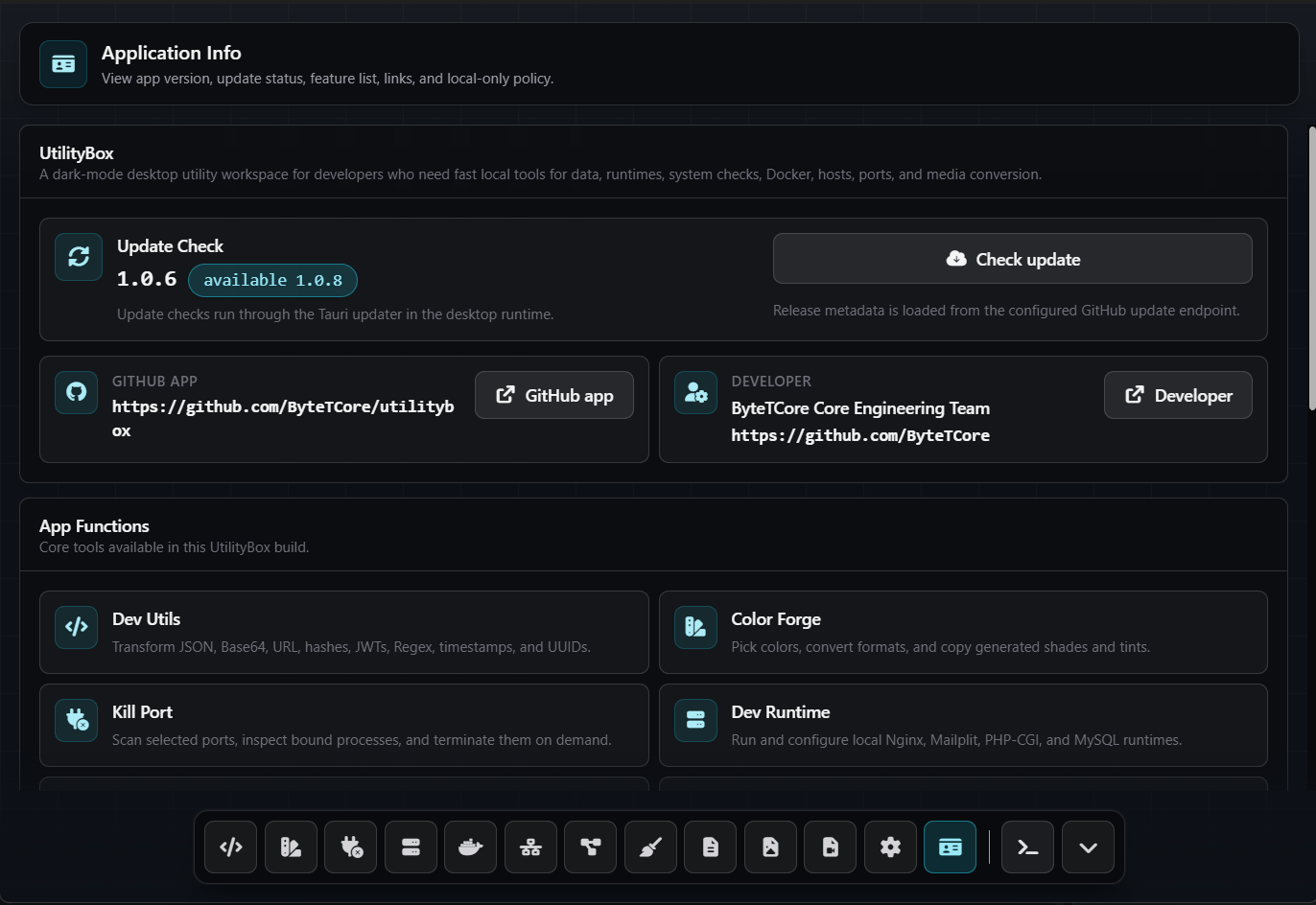
Ports, hosts, cleanup, links, and update checks run from deliberate actions in the interface.
Launch configured terminals, inspect processes, and work with local files without changing context.
No remote service is required for workspace data, runtime paths, command output, or project files.
Core functions
Choose a workspace to preview it, then scan the complete set below.
Selected workspace
Format, encode, inspect, and compare JSON, tokens, regex, timestamps, SQL, QR, and config text.
{
  "workspace": "local",
  "status": "ready",
  "tools": ["json", "jwt", "regex"]
}Specifications
UtilityBox is built for repeated local workflows, with a native backend and a focused dark interface that stays out of the way.
Application policy
The desktop app operates around explicit local actions. UtilityBox does not send your workspace data, runtime paths, command output, or project files to a remote service.
UtilityBox runs as a local desktop utility. It does not send your workspace data, runtime paths, command output, or project files to a remote service.
The app does not create a user-data profile, analytics store, or remote account. Local configuration is limited to app preferences and feature settings needed for UtilityBox to run.
System actions such as checking ports, editing hosts, cleaning artifacts, opening links, or checking updates are initiated from visible UI controls and stay scoped to the selected workflow.
UtilityBox does not perform background access, extraction, encryption, or decryption of personal data. File and project operations only happen when you explicitly use a related tool.
Latest release
Choose the build for your platform. Release data is loaded from the official UtilityBox repository.